
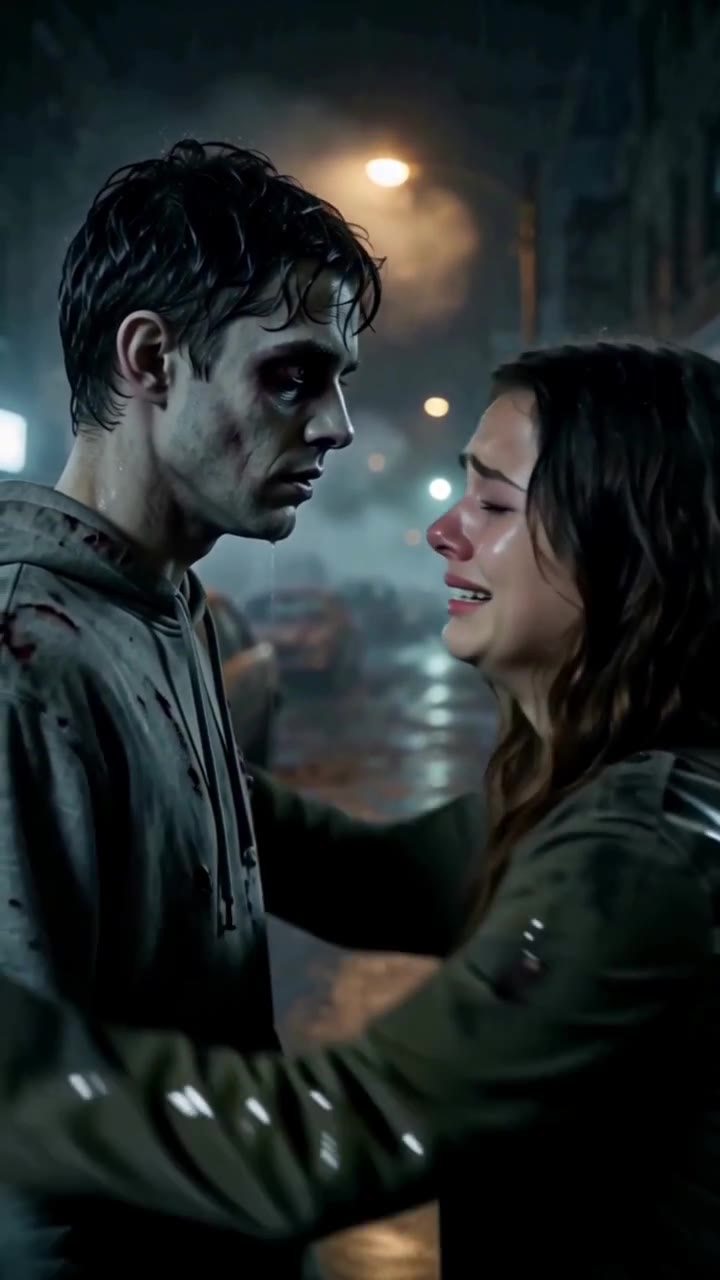
Rainy Reunion
Recognition on a rain-soaked street turns into a tender embrace.
10s · 9:16 · MP4
Watch and explore this sceneOlder partners recognize each other on a misty street and hold one another close.
The template video shows older partners recognizing each other on a misty street. The generation recipe asks to preserve the ages and identities in your own portraits; choosing this scene does not deliberately age your characters. Soft amber street lights, a reach for each other’s hands and a slow embrace give the scene a lasting-love direction. Use clear portraits so the familiar facial details remain useful references.
The first photo plays the human survivor; the second plays the zombie partner. Either partner can take either role. Use Adjust photo order to choose who plays each role.
Prepare your two photosEvery current template requests a 10-second, 9:16 vertical MP4. Choose a quality tier before generating. A different quality starts a new generation.
480p20 credits per request
720p45 credits per request
1080p80 credits per request
From a zero balance, the $9.90 one-time pack gives you 50 credits. One 720p request uses 45 credits and leaves 5. No subscription is required; a completed result is not a guarantee of perfect likeness.
See credit packs and billing detailsThe template collection includes in-shot transformations and memory or flashback cuts. Follow the selected preview for its story progression; these effects are part of the preset rather than a per-shot editor. There is no separate both-zombie mode. Audio is requested, but a particular soundtrack is not promised. Review both faces, hands and the actual sound before sharing, and download completed videos promptly. Available videos can also be downloaded from My Creations.
Reserved credits are returned automatically when the task is marked failed or rejected. If the balance has not updated, contact support with the task ID.
From two photos to a videoRecognition on a rain-soaked street turns into a tender embrace.
10s · 9:16 · MP4
Watch and explore this scene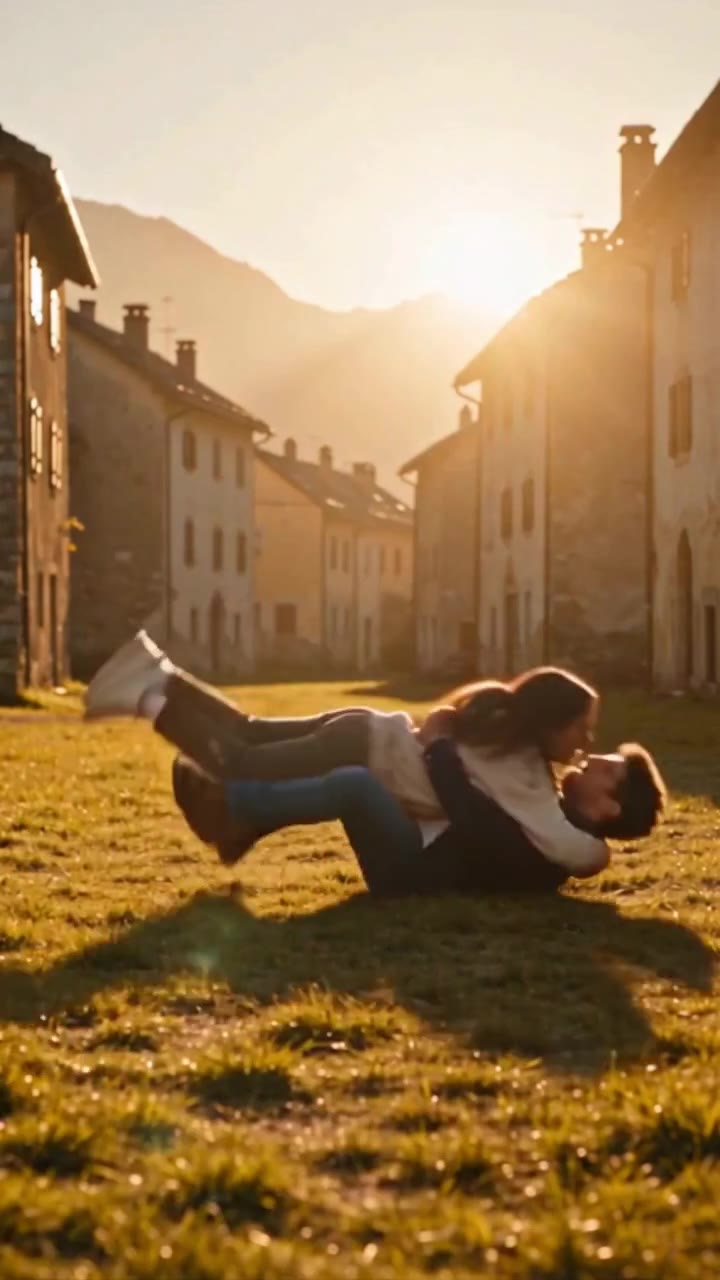
A village encounter becomes a warm reunion beneath the evening sun.
10s · 9:16 · MP4
Watch and explore this scene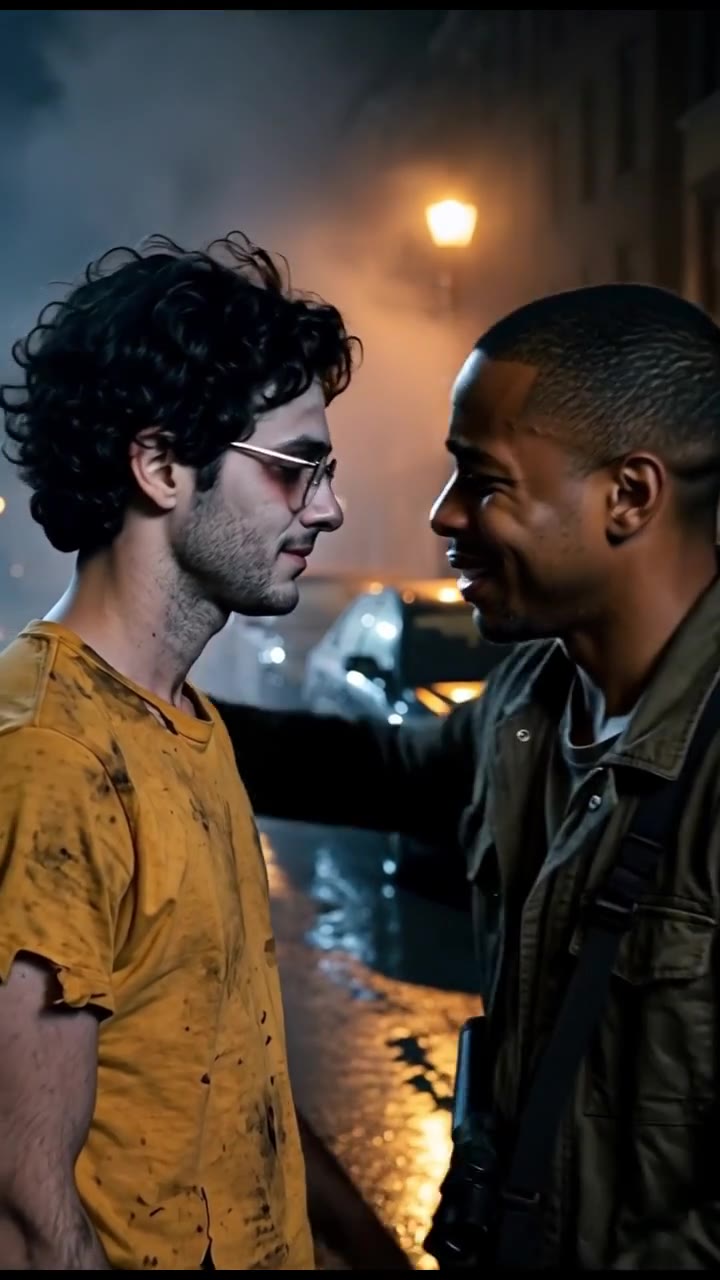
Two male partners find each other through city fog and hold close after the outbreak.
10s · 9:16 · MP4
Watch and explore this scene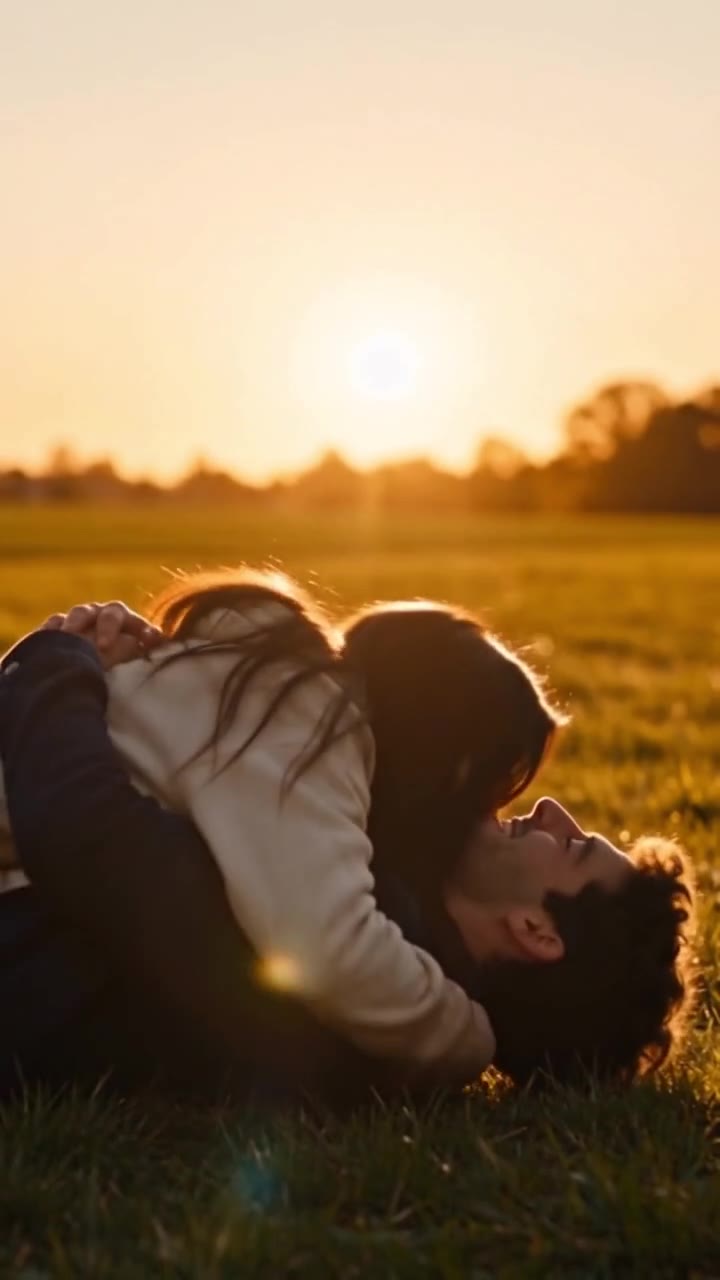
A moment of fear turns into recognition, then a run toward a sunset embrace.
10s · 9:16 · MP4
Watch and explore this scene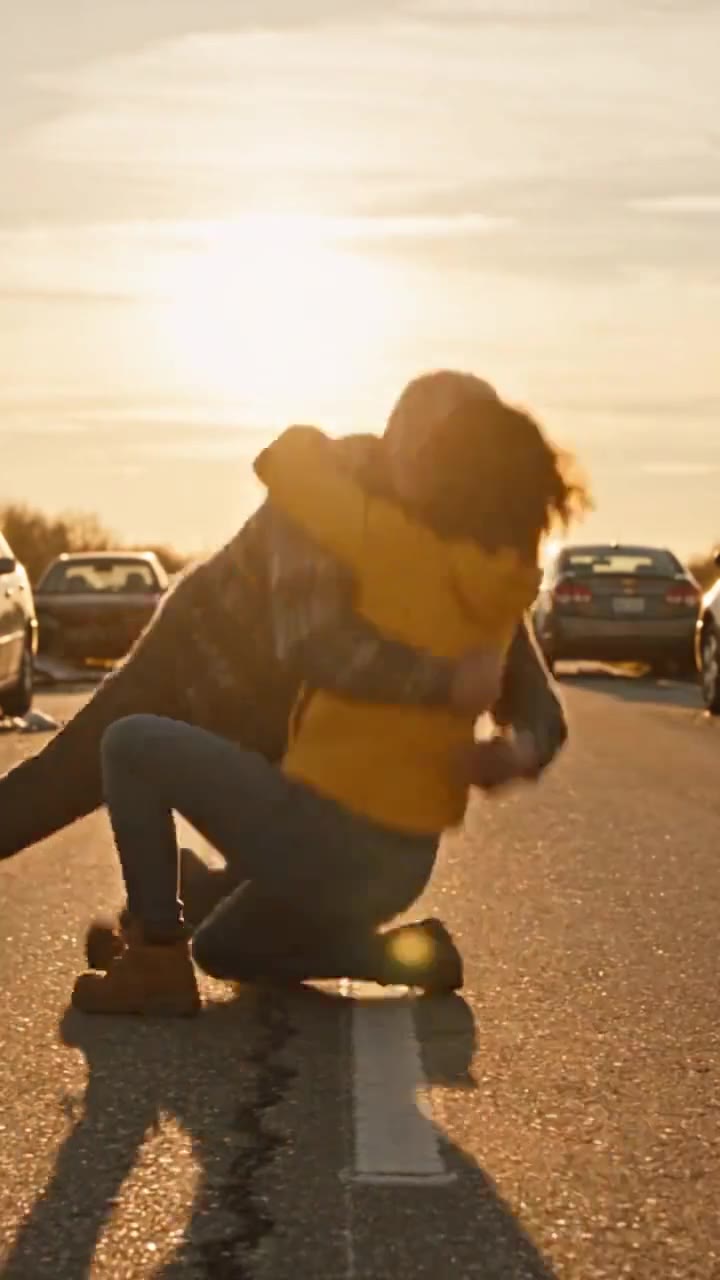
Two partners reconnect on a deserted highway at sunset and embrace.
10s · 9:16 · MP4
Watch and explore this sceneFollow the upload, scene selection, credit check and download workflow, including what to inspect in the result.
Choose the setting and emotional direction that fit your two characters. See how the scene recipes differ.
Compare quality tiers, pack balances and the difference between failed-task credit returns and payment refunds.